Use it with your Openloop!
The mini-wallet that makes stablecoins easy
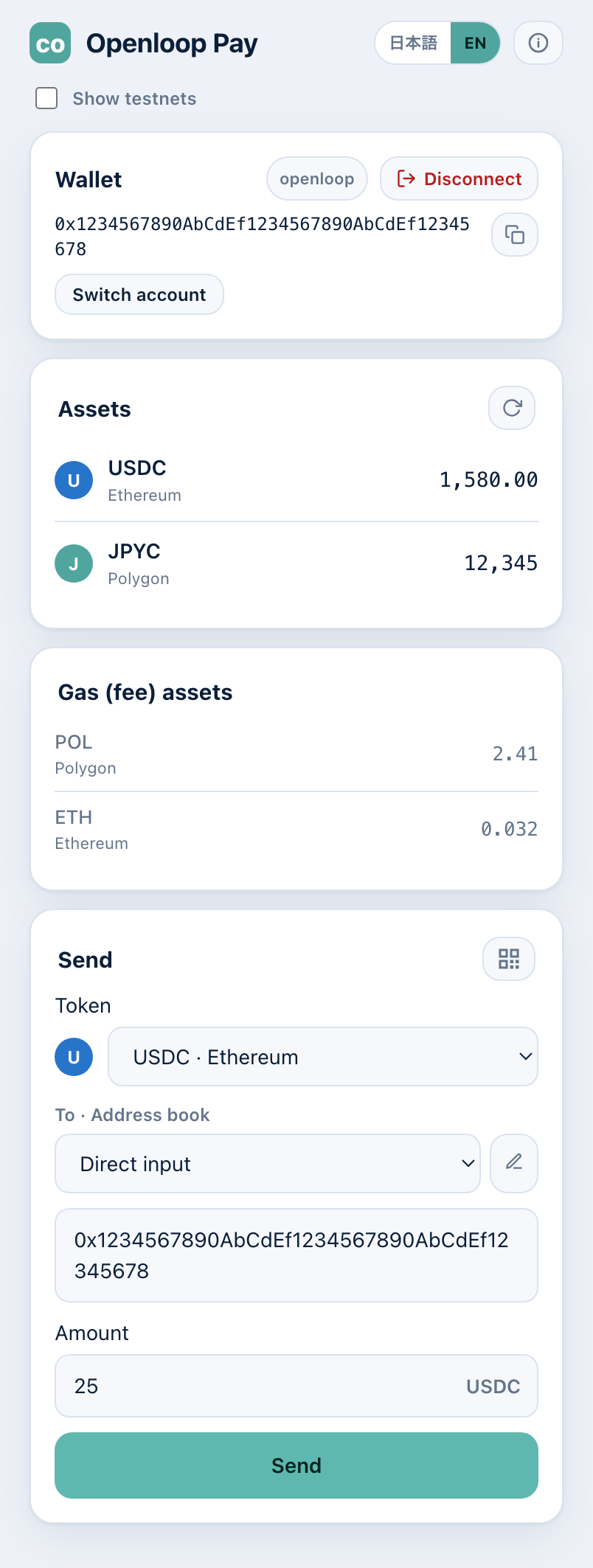
From checking balances to sending and QR payments — all in one. Your private keys stay inside your Openloop device, and every signature is confirmed on the device screen (non-custodial). Use it as a Chrome extension, or an install-free web app.
Non-custodial / on-device signing (WYSIWYS). Balances are read from the chain (view only).
A companion wallet that holds no keys
Openloop Pay never stores a private key or seed phrase. Your keys live only inside your Openloop device (or the wallet you connect over WalletConnect) — Openloop Pay is a companion wallet with no wallet of its own. Unlike wallets that keep an (encrypted) key in the browser, even if the web app or extension were compromised, there are no secrets inside to steal.
What you can do
The essentials for actually using stablecoins, kept simple. A mini-wallet, yet it supports 2,000+ tokens across 200+ EVM networks.
Assets and gas, at a glance
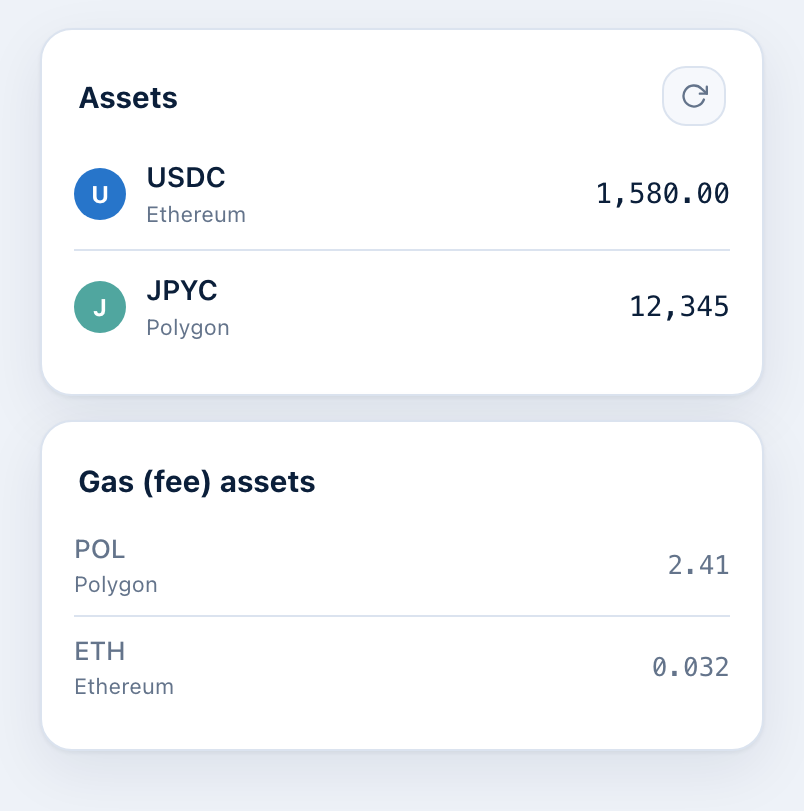
See your stablecoins by token and by network. The gas token used for fees is automatically kept in its own section.
Simple sending
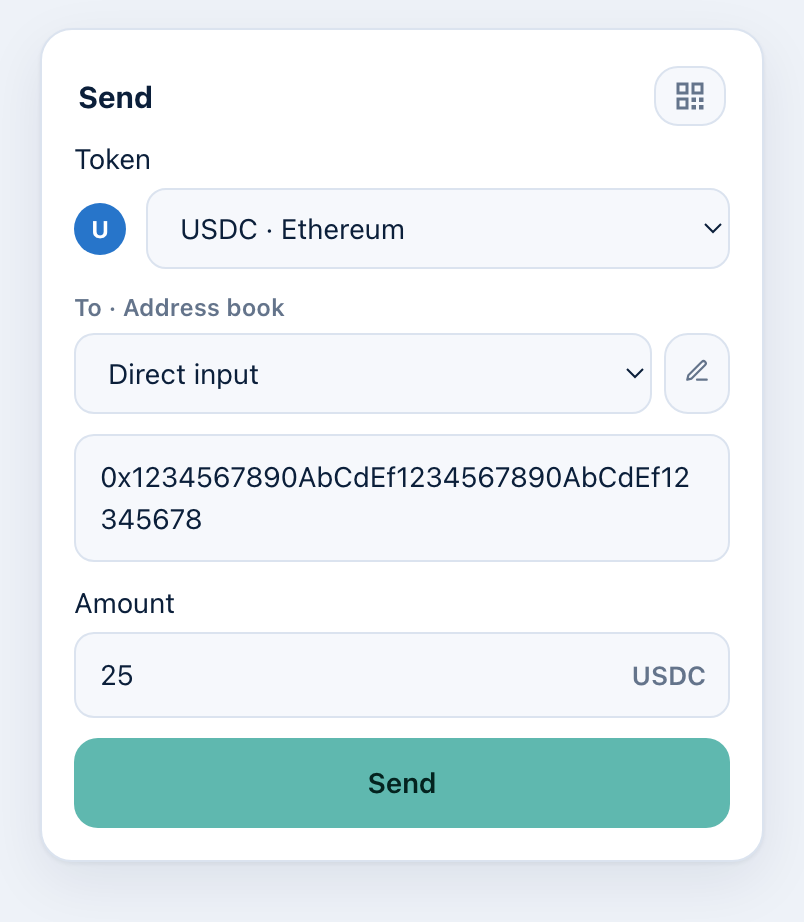
Pick a token and network, and choose the recipient from your address book. Addresses are shown in full; approve on the device after you review.
Scan a payment QR
Scan a store's payment QR (EIP-681) with the camera to fill in the transfer automatically. Printed QR codes work too.
Web3-ready
Connect from any browser Web3 site (dApp) via window.ethereum (EIP-1193 / EIP-6963) and sign right there. Connect to several dApps at once — each with a different account.
Token & network management
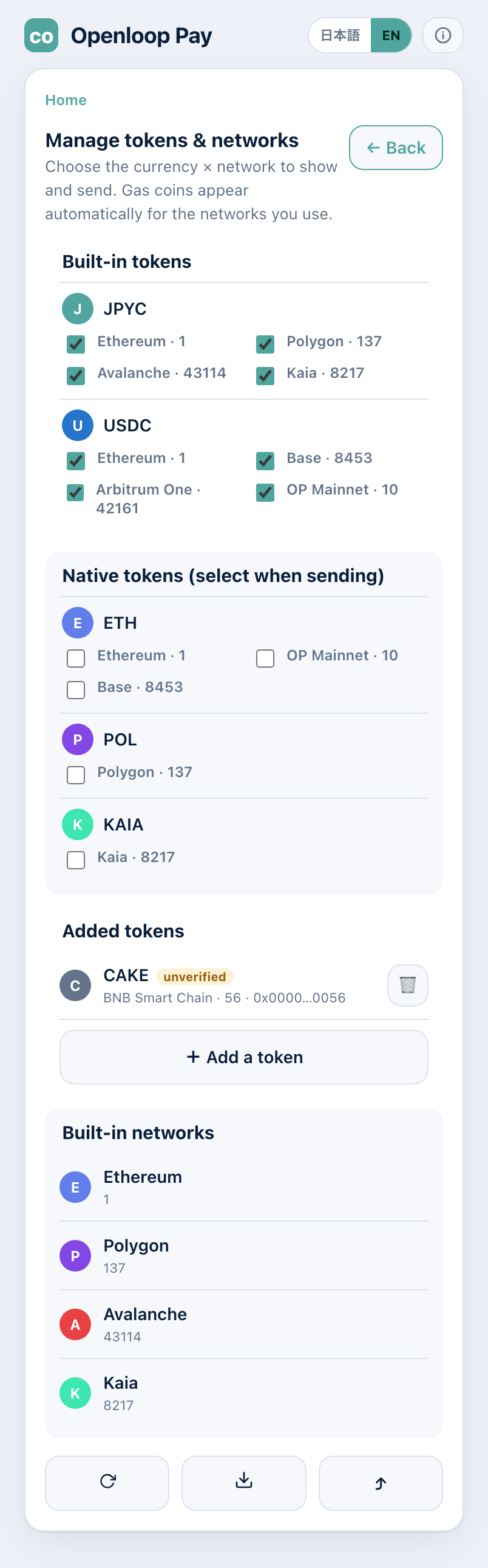
Handles the 2,000+ tokens across 200+ EVM networks that Openloop supports — all of them sendable. Choose which to show and send, and add any beyond the built-ins.
History & CSV export
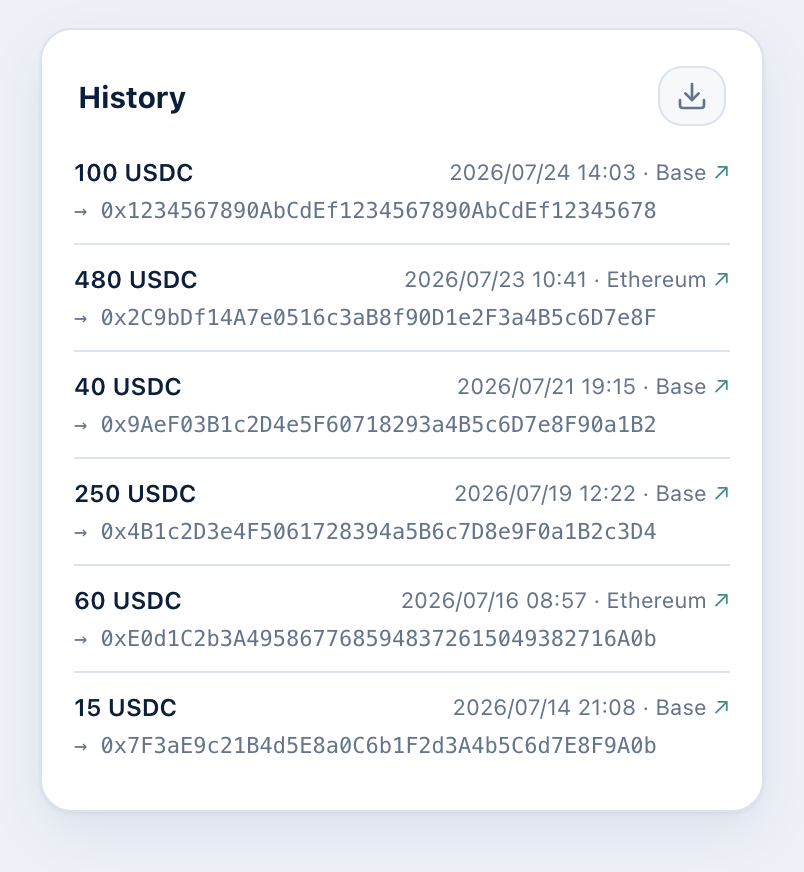
Transfers are saved on your device, each with an explorer link. Export to CSV for your bookkeeping.
Non-custodial, signed on the device
Private keys stay inside your Openloop device. Review each transfer on the device screen and approve it (WYSIWYS).
A look at the app
The web app on your phone and the Chrome extension on your desktop — the same experience either way.
Choose how to use it
Connect Openloop over USB / Bluetooth, or connect via WalletConnect.
Chrome extensionRecommended for desktop
A wallet in your browser's side panel. Connect to Openloop over USB and work with dApps.
Install from Chrome Web StoreWeb appNo install
Use it right in your browser. Connect Openloop over Bluetooth on mobile, or USB on desktop.
Open the web app